

Gone are the days we used to have game consoles. Today, the mobile phone has taken its place. However, some of us cherish those golden days when we long to play nostalgic games. That’s why you are here, right? You want the best Sega Genesis emulator for your Windows computer, don’t you?
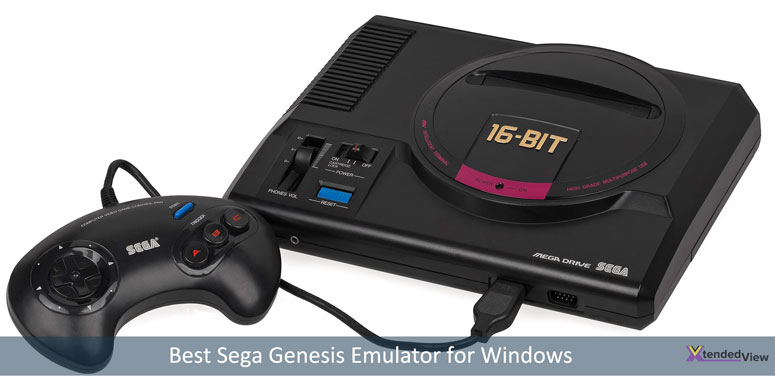
We know the pain of stumbling upon an emulator for Sega Genesis that resembles the wistful days. So, we did all the hard work. We went through a number of websites, referred to many articles online, and here we are, with the results.
Best Sega Genesis Emulator for Windows and Mac
So yeah, you want to relive those memories of your childhood. We get it. Since the Sega Genesis game console isn’t available on the market at the moment, the closest you can get is an emulator. Before you get your hopes up, you should know that not all the games may be available on each one we are about to share below.
We hope you won’t ask “how to play Sega Genesis games on my PC” because the emulators aren’t designed to be operated only by a geek. Everyone can install them on their computer and start playing those 16-bit games right away.
Also Read:
- Best Nintendo 3DS Emulator for Android and PC
- 15 Best Android OS for PC (32 & 64 bit) : Install Android on PC
- 5 Things You Should Know About Downloading Game Hacks
Oh, do you think you need a helping hand? Don’t worry, we have added a special section at the end of this article to guide you through the process of using game console emulators.
Enough of the talking, right? We know your patience is wearing thin. So, here you go!
1. RetroArch
If you are not new in this field of emulators, you might have heard of RetroArch. On almost all the lists, this one steals the top spot. We can label it as just a Sega emulator. Genesis is a console that RetroArch emulates, among many.
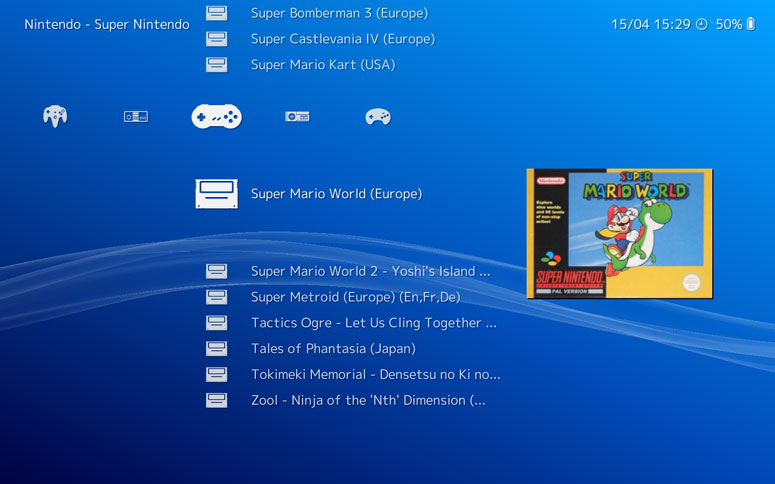
Unlike most of the emulators, this one has a web version so that you can see the action without downloading anything. As is the usual case, you need to have the game ROM ready. Select Genesis Plus GX from the dropdown menu, upload the ROM file using the Add content button and hit Run.
Once you are satisfied with the result (the web version is a demo), you can carry on to downloading the setup. Irrespective of what OS you use, RetroArch has got them all.
A beginner may find the emulator interface confusing. So, you can use this guide to set up RetroArch to draw its full potential.
2. Kega Fusion
When you surf the download page, you may wrinkle your eyebrows seeing its release date. However, let us tell you that it has still got the charm. Instead of giving you futile promises, it delivers what you want. Running at 60 frames per second, Kega Fusion can emulate almost all the Sega gaming consoles.
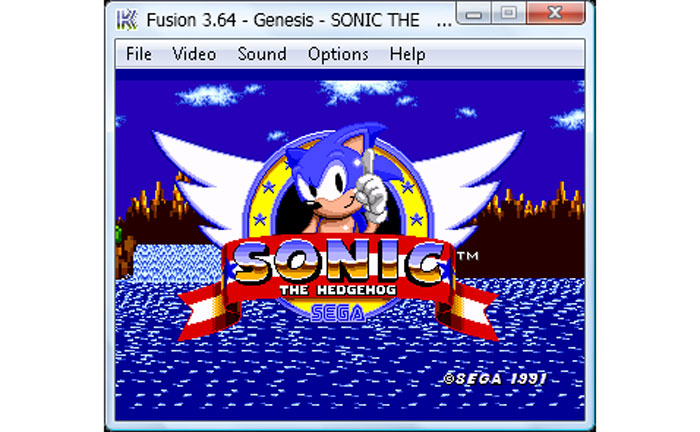
Throw some 32X games at it and you will see no issues at all. The developers recommend turning on the “Perfect Sync” option when playing Mega-CD games. In case you won’t do that, Kega Fusion won’t be able to run some. Just like RetroArch, you can download this for Windows, macOS, and Linux.
3. OpenEmu
All two Genesis emulators we shared above support macOS. However, we think, for a Mac user, OpenEmu is going to be a feast. They have got the cleanest interface with support for many consoles. And, you won’t have to worry about whether or not the controller you have is going to work. OpenEmu has a long list for which it automatically maps controls.
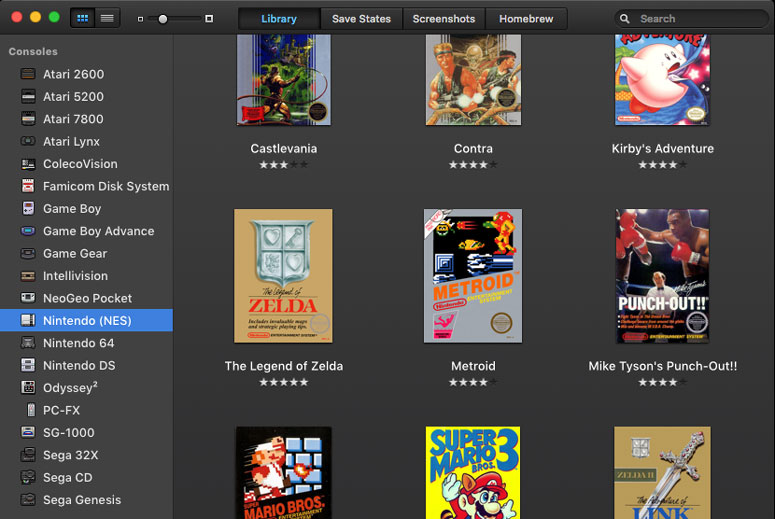
Moreover, the emulator has been built in such a way that a standard controller should work. Do you despise clumsy interfaces? Then, don’t look elsewhere. Just download this one! Once you drop your ROM, it’s going to drop your jaw.
4. Gens
Having been brought online even before smartphones became smart enough to play retro games, Gens doesn’t give you a headache when trying to emulate Sega Genesis. First things first, if you are a macOS user, you should skip this one because it’s only available for Windows and Linux.
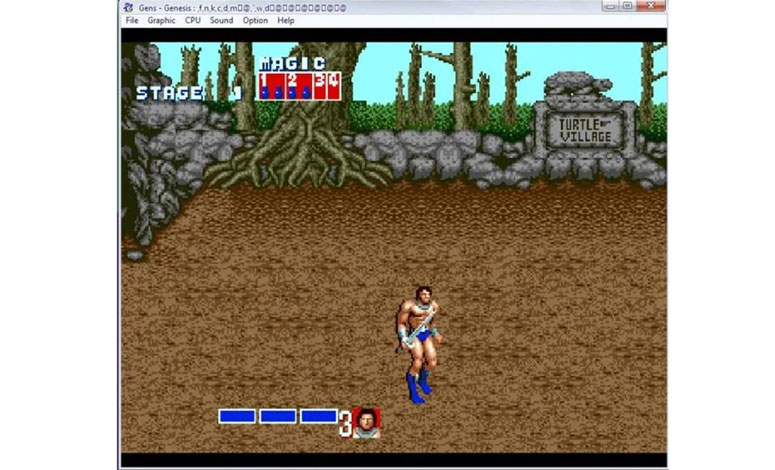
Gens is a pro in running 32X and CD games as well. However, if you are a professional, looking for the best Windows Genesis emulator, you will find this too simple. Still, we don’t think you will grow dreary of it. With the support for almost all the classic titles, Gens is going to win your heart.
5. BizHawk
Mac users, skip please! Yeah, BizHawk has no support for macOS. Linux and Windows users can rejoice. The developers keep this emulator updated. So, they take care of any unusual hiccups that pop up.
If you are a speedrunner, you are going to love BizHawk. With an assisted tool, you can complete games without having to wander around for a long time. The features include auto-save state, slow-motion, and dynamic key-mapping along with macro-scripts.
6. DGen
Looking for something out of the box? Do you think an ordinary Sega emulator isn’t going to intrigue your psyche? Well, for geeks, we have got DGen, a command-line tool to run games (if you hate codes and commands, skip this one and choose another one, all others come with user interfaces).
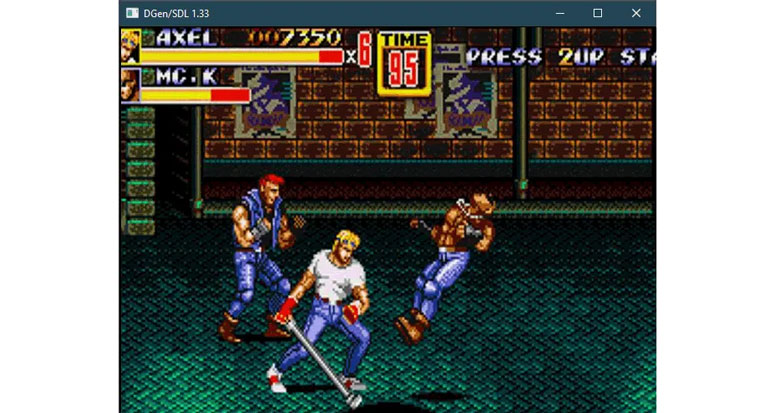
As for the features, you will see OpenGL texture video output support and Z80 Debugger. Don’t worry, there is an option to capture screenshots. What about cheat supports, you may ask. Well, Hex Codes and Game Genie support is available.
7. Online Sega Genesis Emulator
Working with an emulator does include some steps which may seem daunting for some. Especially if you are not having considerable computer knowledge, you think it’s rocket science. Well, don’t! With an online Sega emulator, you can play your favourite retro games without much effort.

You need a decent internet connection for this to work. The upside here is you won’t have to look for different ROMs to upload. And, you won’t have to install another program to burden the CPU. Owing to the fact that you are playing on the web browser may evoke some lags here and there, though.
8. Megasis
Looking for the best Sega Genesis emulator for PC? You have just hit the gold. Megasis is only available for Windows. Despite having no updates for the past few years, it doesn’t exhibit any compatibility issues with Windows 10. So, we expect it to be the same with Windows 11 as well.
You can save your game progress and get support for controllers. Plus, the hardware-accelerated gameplay ensures a buttery smooth experience. And with overclocking, you can get the best out of the emulator.
9. SSega.com
We have already shared with you an online Sega Genesis generator. You may not be comfortable with installing an application on your computer for games. That’s why we have got you another option. By visiting ssega.com, you can browse through almost all classic Sega games.
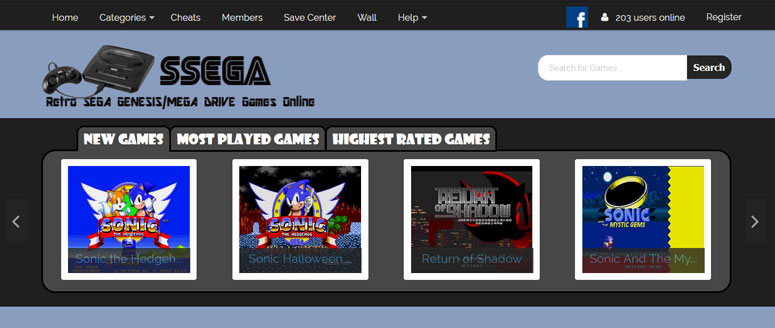
A search option is available on the website. Once you find your favourite game, you have two choices; flash or JS. No matter what you choose, the output is going to be the same. On the previous page of the gameplay, you can see all the controlling options. We are unsure of the controller support, though.
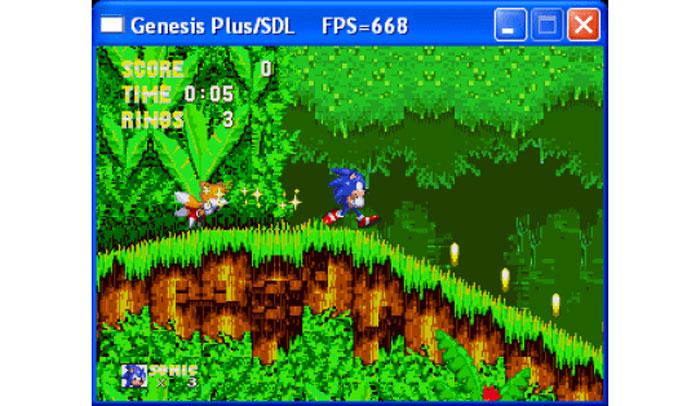
10. Gen Plus!
Last but not least in this list of the best emulators for Sega Genesis is Gen Plus! You get it only on Windows. When you click the link given above, you will get the compressed file. Just extract the same and use the .exe file to run the emulator.
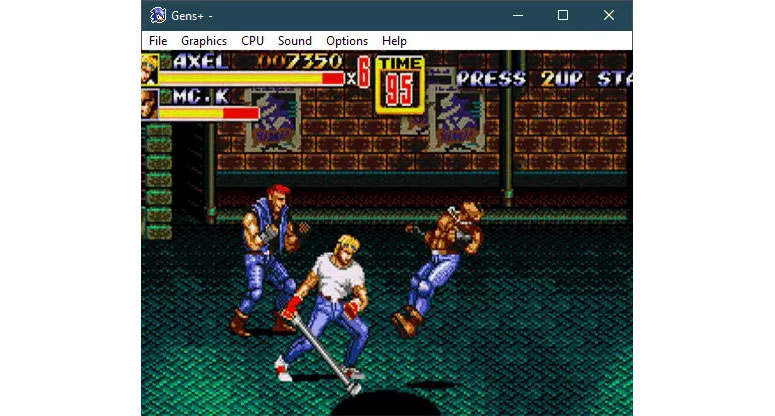
The working is similar to other offline emulators. It has some unique features. For example, the customisation of the user interface is one. You can tinker around with colours to dress up the UI. The best thing about it is the low-pass filter, which gives out a crystal clear sound profile.
How to Use a Sega Genesis Emulator?
You should know that we are not talking about online emulators. When you make your mind to download an offline emulator, you should know a few steps are involved in being able to play your favourite retro game. So, what are they?
- The first step is obvious. You have to choose an emulator. All the emulators work on Windows. In case you have got a Mac machine, choose one of the first three (don’t forget to go through the installation process if needed).
- Here’s what things get tricky. The law says you can’t have a game’s ROM unless you own it physically. So, we won’t ask you to download ROMs using a simple Google search even though that’s what it takes ;).
- Once you have the ROM, open up the emulator. On the interface, you will see an option to select the file (yeah, the ROM itself). From emulator to emulator, the name of the option may vary.
- Wait a few seconds even though you won’t see any visible changes at once.
Of you are not able to run it please check this tutorial from Instructables to set it up.
So yeah, that’s all. You will see the magnificent world of retro games getting unfolded before your eyes.
Conclusion
Yes, you have to go through that initial setup to get your favourite game. Barring that, everything else is going to be a cakewalk. By now, you have eight best Sega Genesis emulators. The selection is up to you. Choose any of them and you are good to go. Welcome to the days that you thought you lost in time.
Cite this page
XtendedView. (2024, April 11). 10 Best Sega Genesis Emulator for Windows and Mac. https://xtendedview.com/best-sega-genesis-emulator/
“10 Best Sega Genesis Emulator for Windows and Mac.” XtendedView, 11 Apr. 2024, https://xtendedview.com/best-sega-genesis-emulator/.
“10 Best Sega Genesis Emulator for Windows and Mac.” XtendedView, April 11, 2024. https://xtendedview.com/best-sega-genesis-emulator/.
Source: <a href="https://xtendedview.com/best-sega-genesis-emulator/">10 Best Sega Genesis Emulator for Windows and Mac</a>, XtendedView

2 reader comments closed April 11, 2025
Do they support Mac? Please help.
Yes. Please check the first 3.
This thread is closed to new comments.