


The newsletter problem sneaks up on you. One week you subscribe to a couple of independent writers because a friend forwarded something good, and a few months later your inbox is a stack of 2,000-word essays you keep meaning to read, buried under receipts and calendar invites. Email was never built to be a reading environment.
Then there’s the other half of the problem. Many of the writers you follow now also publish podcast episodes, video clips, and live chats, and none of that fits neatly into a mail client either. You end up bouncing between an inbox, a podcast app, and a browser tab you forgot to close.
Substack Turns a Pile of Newsletters into Something You Can Browse
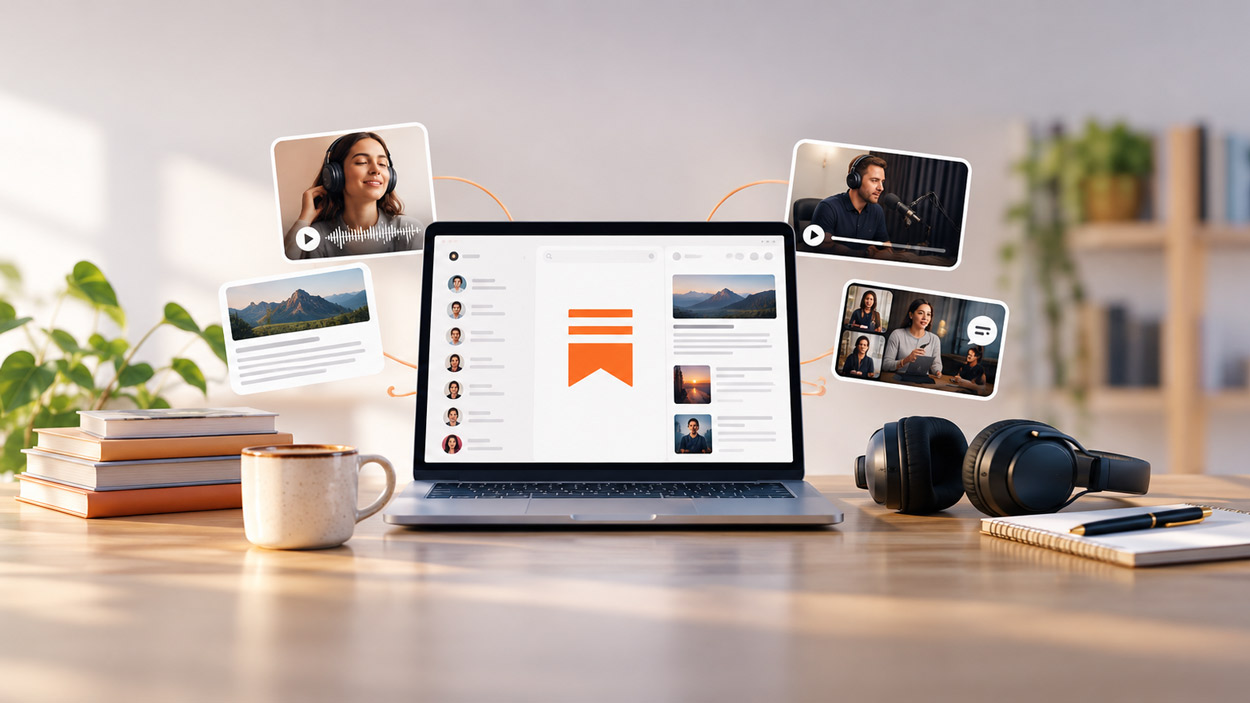
Substack, listed under News & Magazines and published under the name Substack Inc., exists to solve exactly that fragmentation. It pulls the writers, podcasters, and video creators you subscribe to into one feed, so reading a long essay and listening to an episode happen in the same place instead of three separate apps.
The description the developers use is “a new media app that connects you with the creators, ideas, and communities you care about most,” and that framing matters. This isn’t a general news aggregator serving you whatever is trending. What you see is shaped almost entirely by who you choose to follow.
Subscriptions come in two flavors. Free subscriptions get you the public posts, and paid ones open up original work plus a more direct line to the writer, which in practice means comment threads, subscriber-only chats, and posts that never go out publicly.
The Audio and Video Side Is Easy to Underestimate
If you signed up years ago thinking of this as an email tool, the media features are the part worth a second look. Short-form clips, full video episodes, and read-aloud versions of articles all play inside the app, with no ads interrupting them.
Read-aloud is the feature I’d point out to anyone with a long commute or a dog that needs walking. A 3,000-word finance essay you’d never sit down and read becomes something you can get through while doing something else.
Livestreams and live group chats sit on top of that. When a writer goes live, subscribers can show up in real time, which changes the relationship from broadcast to conversation. It’s closer to a small community than a publication.
Discovery Leans Toward Opinion, Not Headlines
The explore side of the app covers food, sports, politics, fashion, comedy, and finance, among other things, and what ties those categories together is a bias toward individual voices. You’re finding people with a position rather than a wire service summary.
That’s a genuine trade-off, not a pure upside. If you want neutral coverage of a breaking event, this is the wrong app. If you want someone who has spent five years thinking about restaurant economics to explain why your favorite place closed, it’s the right one.


Reading Substack on a Desktop Screen
Long-form text and side-by-side reading are better on a big monitor, which is why plenty of people want the app experience on a laptop rather than a phone. The web version covers most reading, though the app handles subscriber chats and the media player more comfortably.
For running the Android app itself on a laptop, BlueStacks is the usual route, and it behaves reasonably well with the video player and live chat.
One thing to sort out early is notifications, since the app’s default settings will ping you for every new post from every writer you follow, and that gets loud fast on a desktop; a walkthrough on how to download Substack for PC is a reasonable reference point if you want the mobile app running alongside your browser tabs rather than instead of them.
The Readers Who Benefit Most
Heavy readers benefit most, particularly anyone following more than three or four paid writers. Below that, email works fine, and the app is convenience rather than necessity.
The other group is people who want to support specific creators directly instead of paying a large publisher. The subscription model here sends money to an individual, and the app makes that relationship visible in a way an email receipt never does.
Writers themselves use it to keep an eye on their own publication and to participate in comment threads, though the app is built for reading first.
Which brings me back to that stack of unread essays. The read-aloud feature is what cleared mine, one dog walk at a time.
