

What’s required to take the perfect shot? Is it professional grade lighting? The best gear? The right setting? Or maybe all you need is your phone and the perfect photo editing app. Take a look at our picks for the 10 new photo editing apps you should try.
#1 Foodie
We’re all guilty of taking pictures of our food. But what if you could make your food look even more irresistible? Foodie helps you do exactly that.

Source: https://play.google.com/store/apps/details?id=com.linecorp.foodcam.android&hl=en
Features
- Angle Detection: The app prompts you when your camera is in just the right position to get the perfect shot. Your pictures give the best bird’s eye view of your food making sure to capture all the delicious details.
- Selective Focus: You can choose to focus on the dish you want and the app blurs out everything else to make the dish the hero of the shot.
- Preset Filters: The app comes with 24 preset filters that help you make your food photos look all the more appealing.
- Flash Settings: You can adjust the brightness in your photos by turning the flash settings on or off. This is perfect for low light food photography.
Pros
- Sensor helps you get just the right angle for your shot.
Cons
- Preset filters don’t offer a lot of variety.
Price: Free
#2 Adobe Photoshop Lightroom CC
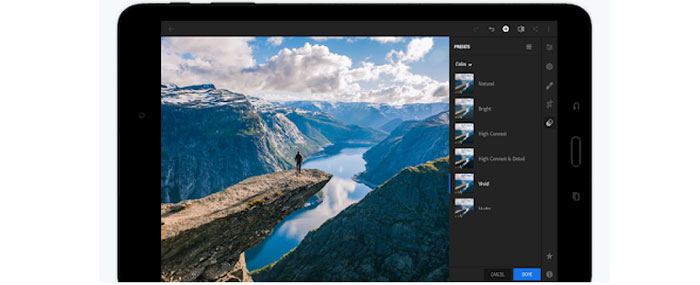
Adobe Lightroom is the gold standard for photo editing among professionals. It offers a full range of advanced photo editing tools that help you take your photography to the next level.
Source: https://play.google.com/store/apps/details?id=com.adobe.lrmobile
Features
- Advanced Tools: The app offers some of the most powerful correction and adjustment tools that help you clean up your photos and make them look more professional.
- Presets: A variety of presets ensure you can quickly edit your photos so they can be posted on social right away.
- Extra features: You can watermark your creations and share them directly across multiple social media channels.
- Storage: Backup your edited photos on Adobe Creative Cloud so you can access them across multiple devices.
Pros
- Advanced editing tools and bonus features
Cons
- Not the easiest app to navigate and use for beginners
Price: Free with In-App Purchases
#3 Photo Collage
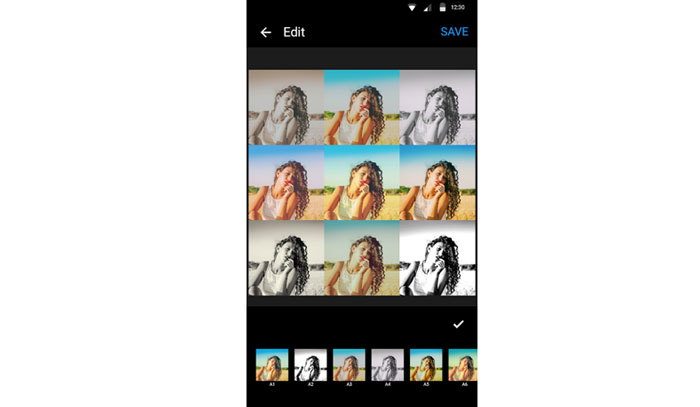
Photo collages are the perfect way to showcase your pictures, especially on social media. The Photo Collage app helps you take your collages to the next level.
Source: https://play.google.com/store/apps/details?id=collage.maker.photoeditor
Features
- Unique Layouts: Photo Collage houses thousands of layout options that help you make customized collages that stand out.
- Customization: App offers a wide range of styles and backgrounds you can choose from and also add text to your pictures.
- Photo Editing: You can access basic photo editing tools removing the need to switch to a different photo editing app.
Pros
- Lots of options for customization
Cons
- Limited photo editing tools
Price: Free
#4 Visage
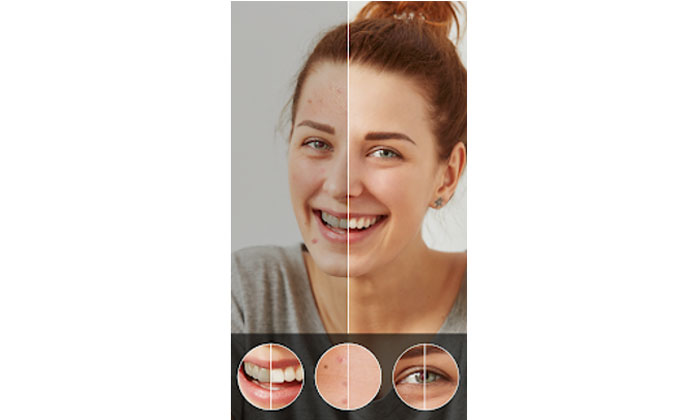
Visage is the perfect app for quick touch-ups to your selfies and portrait photos. You can remove spots, make your skin smoother and even apply makeup to enhance your pictures.
Source: https://play.google.com/store/apps/details?id=to.pho.visagelab&hl=en
Features
- Touch-up Tools: The app allows you to smooth your skin out, whiten teeth, reduce skin shine and blemishes and much more.
- Makeup Application: A unique feature of the app lets you add basic makeup to your portrait photos helping you add some color to the photos instantly.
- Extra Features: There are a number of backgrounds and effects for you to customize your photos.
Pros
- Great app for quick touch-ups to your selfies
Cons
- Lots of ads in the free version plus finished photo edit has a branded hashtag at the bottom
Price: Free with In-App Purchases
#5 Instagram
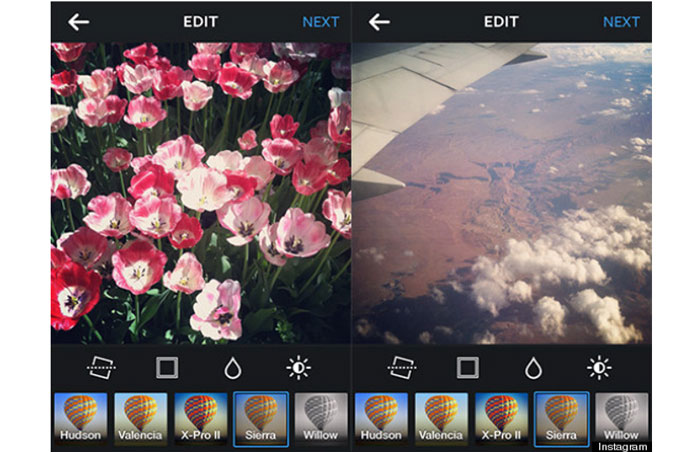
Instagram isn’t just the perfect social media space to display your awesome photography. It also comes packed with many photo editing tools that can help you get Gram-worthy photos.
Source: http://viestramagazine.com/get-things-in-focus-whats-your-best-instagram-filter-p326-169.htm
Features
- Editing Tools: You get all the basic editing tools on Instagram including filters, overlays, stickers, effects, text and more.
- In-built Camera: Instagram cam helps you take amazing photos and record videos on the go. The plethora of filters and presets on the app add to the fun of taking pictures.
- Insights: You can use Instagram Insights and hashtag searches to find out the latest trends in your niche and grow your following.
Pros
- Number of exciting and trendy presets and filters
Cons
- Only basic editing tools offered
Price: Free
#6 Facetune
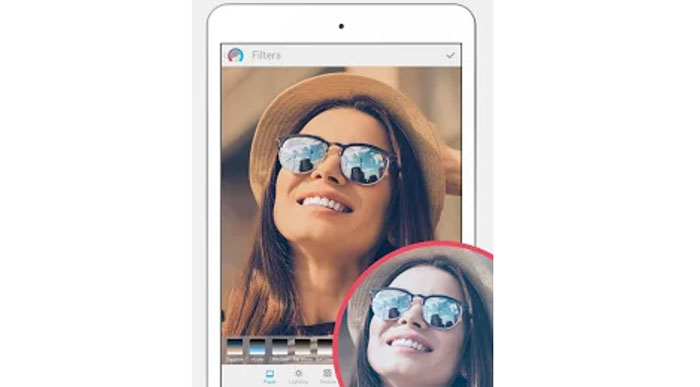
Facetune is a selfie or portrait editing app that helps you fine-tune your pictures so they look clean and professional.
Source: https://play.google.com/store/apps/details?id=com.lightricks.facetune.free&hl=en
Features
- Editing Tools: You can remove blemishes, whiten teeth, smoothen skin, even out skin tone and much more with this app.
- Alignment: The app allows you to adjust the position of facial features to make your pictures look more symmetrical.
- Fun Graphics: A number of backgrounds, presets and graphics make your pictures look more appealing.
Pros
- Easy to use interface
Cons
- If not used sparingly, the edits can make you look like a wax doll.
Price: Free
#7 TouchRetouch
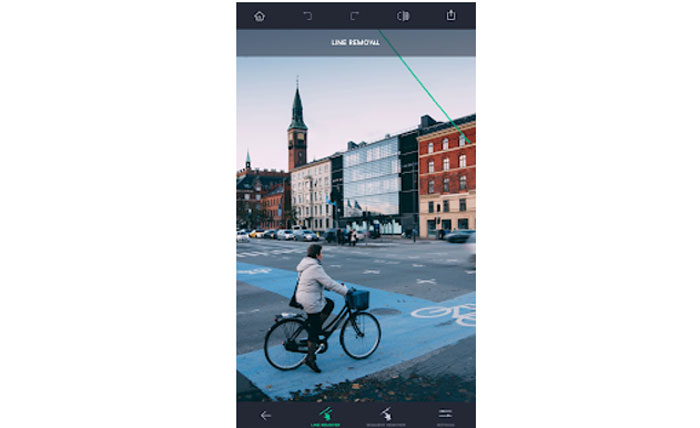
This amazing app helps you remove unwanted objects from your photos like power lines, street signs, trash cans and more.
Source: https://play.google.com/store/apps/details?id=com.advasoft.touchretouch&hl=en
Features
- One-Touch Fix: All you need to do is tap the object you want to remove and the app takes care of the rest.
- Flick Line Removal: You can mark only a section of the line to remove all of it, no need to be precise.
- Clone-Stamp Tool: Remove duplicate objects with a single touch.
Pros
- Easy to use interface
Cons
- The app is not free.
Price: $1.99
#8 PicsArt
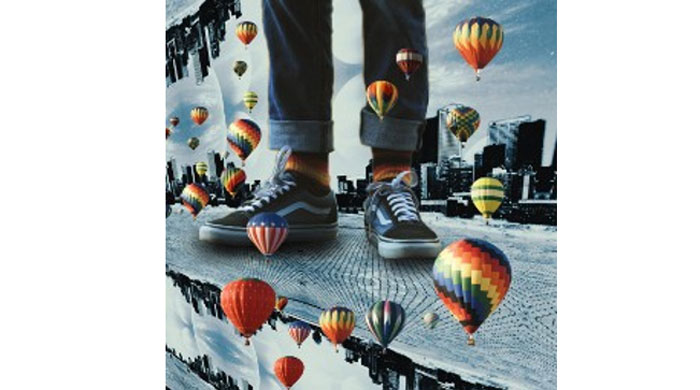
Create beautiful customized collages with this app and its plethora of features. You can even edit videos!
Source: https://picsart.com/?hl=en
Features
- Remix: Cut an object from one photo and layer it onto another to “remix” your photos.
- Video Editor: Edit your photos as well as videos using the same app.
- Animated GIFs: Create fun GIFs to engage your audience with this app
Pros
- All in one app for collage making, editing, and drawing.
Cons
- The free version has limited features.
Price: Free with In-App Purchases
#9 Lens Distortions
This new photo editing app lets you add realistic effects to your photos giving them the “no-filter, filter” look.
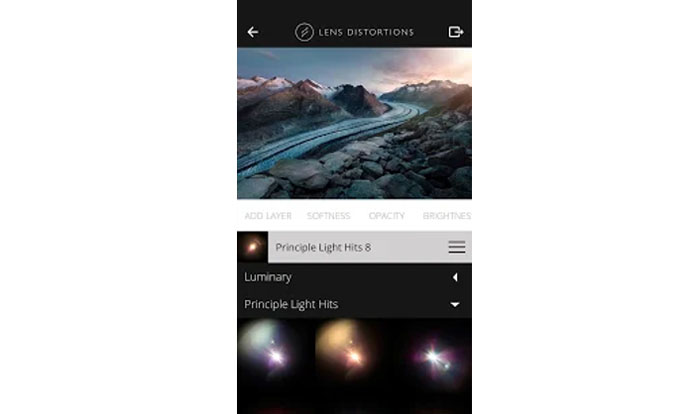
Source: https://play.google.com/store/apps/details?id=com.lensdistortions.ld
Features
- Natural Effects: Add rain, fog, sunlight or snow to your photos.
- Gallery View: The effects are displayed in gallery view for easy selection.
Pros
- It makes your pictures look better without looking filtered.
Cons
- The free version offers limited presets.
Price: Free with In-App Purchases
#10 Snapseed
Consistently voted as the best photo editing app, Snapseed is a powerhouse of editing right at your fingertips.
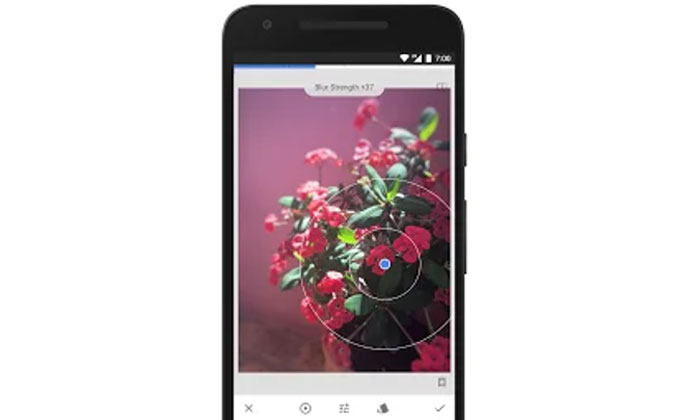
Source: https://play.google.com/store/apps/details?id=com.niksoftware.snapseed
Features
- Customizable Presets: Choose a preset and customize it to meet your unique needs.
- Edit and Sharpen: Crop, straighten, frame, add text to and sharpen your image without it looking overly filtered or grainy.
- Precision Masking: Edit the depth of a field using this helpful tool.
- Selective Adjust: Edit just one part of your picture at a time with this feature.
Pros:
- Faster processing for all media formats
Cons:
- The user interface can be a little confusing for beginners.
Price: Free
Conclusion
You don’t need all these apps to make your pictures look good. Experiment with them to find out which app works best for you. In no time, you’ll be well on your way to becoming a pro at photo editing!